

Seedance 2.5: Generate Cinematic Scenes with One Prompt | higgsfield ai full workflow
Project description
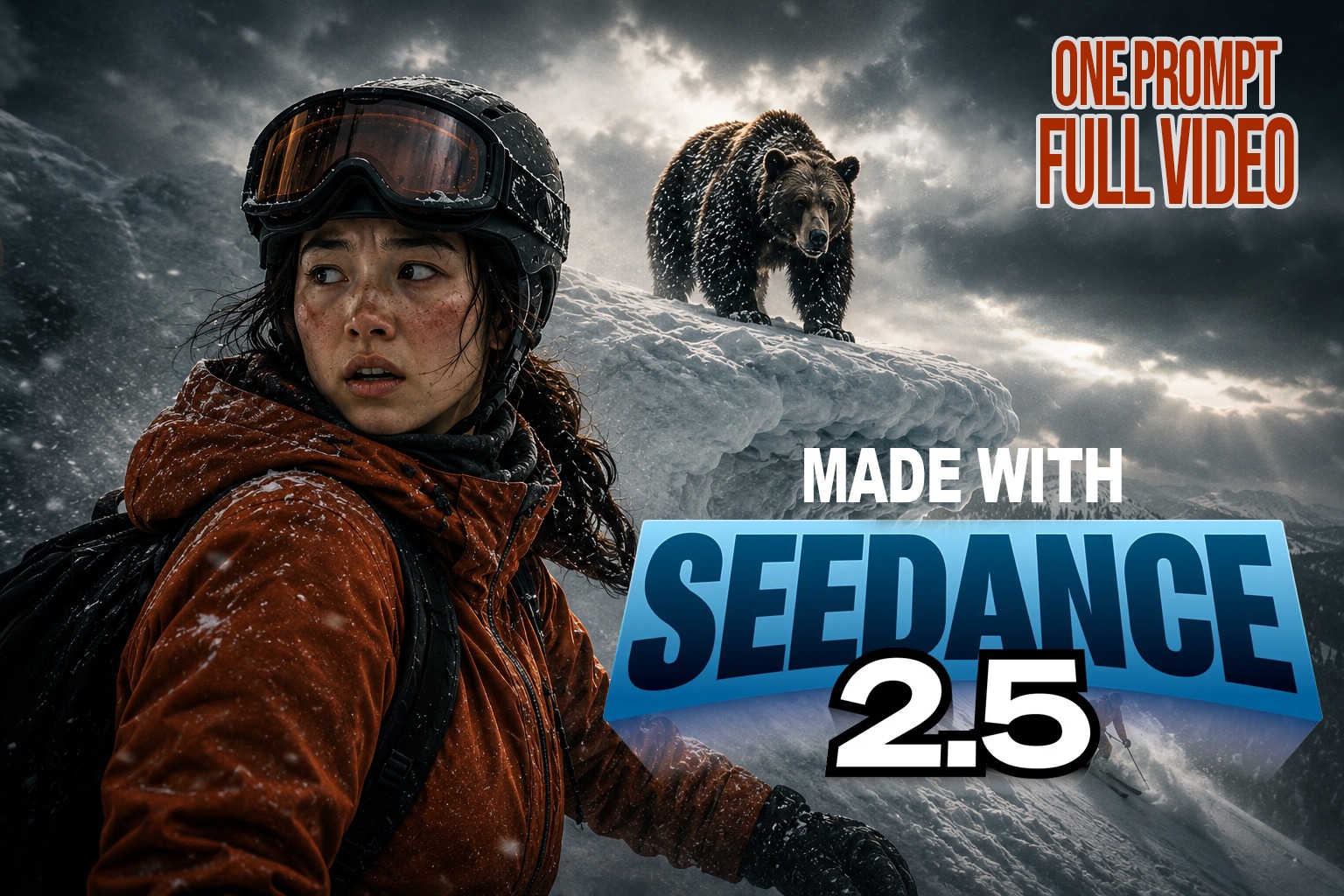
Seedance 2.5 is now live in Higgsfield, and it generates a full 30 second cinematic video from one single prompt — with multiple camera angles and character consistency holding across every shot. In this video I build a complete 60 second AI action sequence from scratch: story and shot list in Claude, character sheets and environment plates in ChatGPT, then two 30 second Seedance 2.5 generations in Higgsfield joined into a finished film. No stitching together five second clips. No character drift between angles. What Seedance 2.5 in Higgsfield actually changes: a single 30 second generation instead of six separate clips, real multi camera coverage inside one prompt, reference locking that holds a face and a wardrobe across every cut, and native audio generated in the same pass. The one real limitation right now is the 720p ceiling at 30 seconds — I cover where that hurts and where it doesn't. CHAPTERS 0:00 Seedance 2.5 is live on Higgsfield 0:12 Watch the finished AI short first 1:21 What Seedance 2.5 actually does differently 2:28 The one real drawback: the 720p ceiling 2:40 Writing the story and shot list in Claude 3:14 Building the ski character sheet in ChatGPT 4:19 The bear character sheet 4:43 Environment reference plates 5:30 Writing a single 30 second Seedance 2.5 prompt 6:04 Uploading references into Higgsfield 6:44 Linking each reference with @ mentions 6:56 Settings: 16:9, 30 seconds, 720p 7:13 Scene 1 result 7:52 Why the character consistency holds up 8:11 Generating scene 2 8:59 Scene 2 result 9:32 Motion, speed and native audio verdict 9:58 The full film 11:11 What I'd use this for next TOOLS USED Higgsfield (Seedance 2.5) — video generation Claude — story, shot breakdown, prompt writing ChatGPT — character sheets and environment plates Premiere Pro — assembly and sound WORKFLOW IN SHORT 1. Write the story first, then break it into timed beats before you touch any generator. 2. Build character sheets and environment plates as stills. Everything downstream keys off them. 3. Upload every reference into Higgsfield and mention each one inline with @ so the model can't confuse them. 4. Generate the hardest scene first, not the first scene. 5. Keep the second prompt on the same references so the light and texture carry across the cut. I'm a Creative Director with 14 years in motion graphics and cinematic storytelling. This channel is about directing with whatever tools serve the story — right now a lot of those tools happen to be AI. LinkedIn — https://www.linkedin.com/in/ajit-ingale-6a207a55 Subscribe if you want the next Seedance 2.5 breakdown: https://www.youtube.com/@TheAIMotionDirector #Seedance25 #Higgsfield #AIFilmmaking
Support this project
ajit voted for this project