 PRO
Windcast - AI Dashboard Overview
Project description
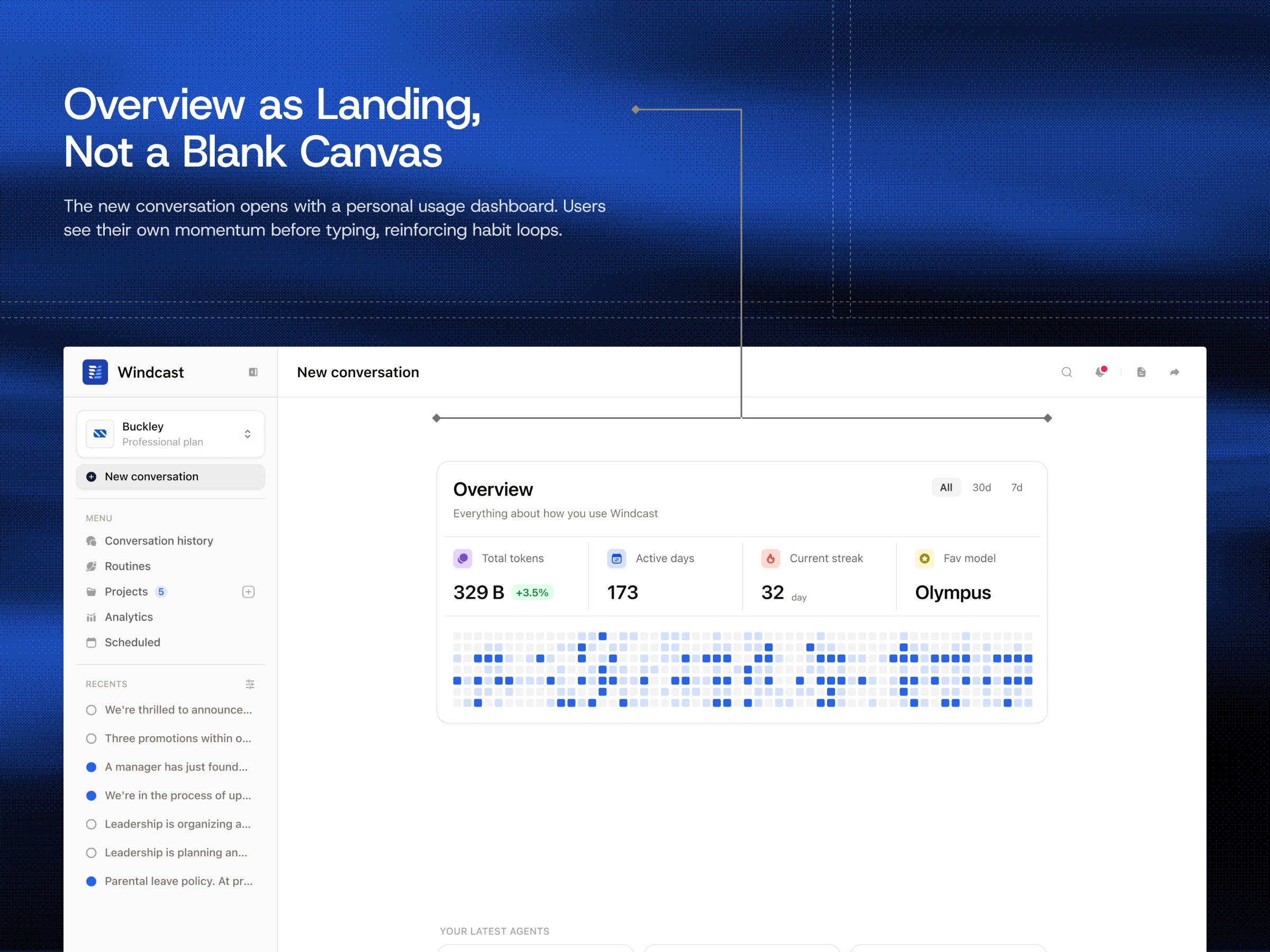
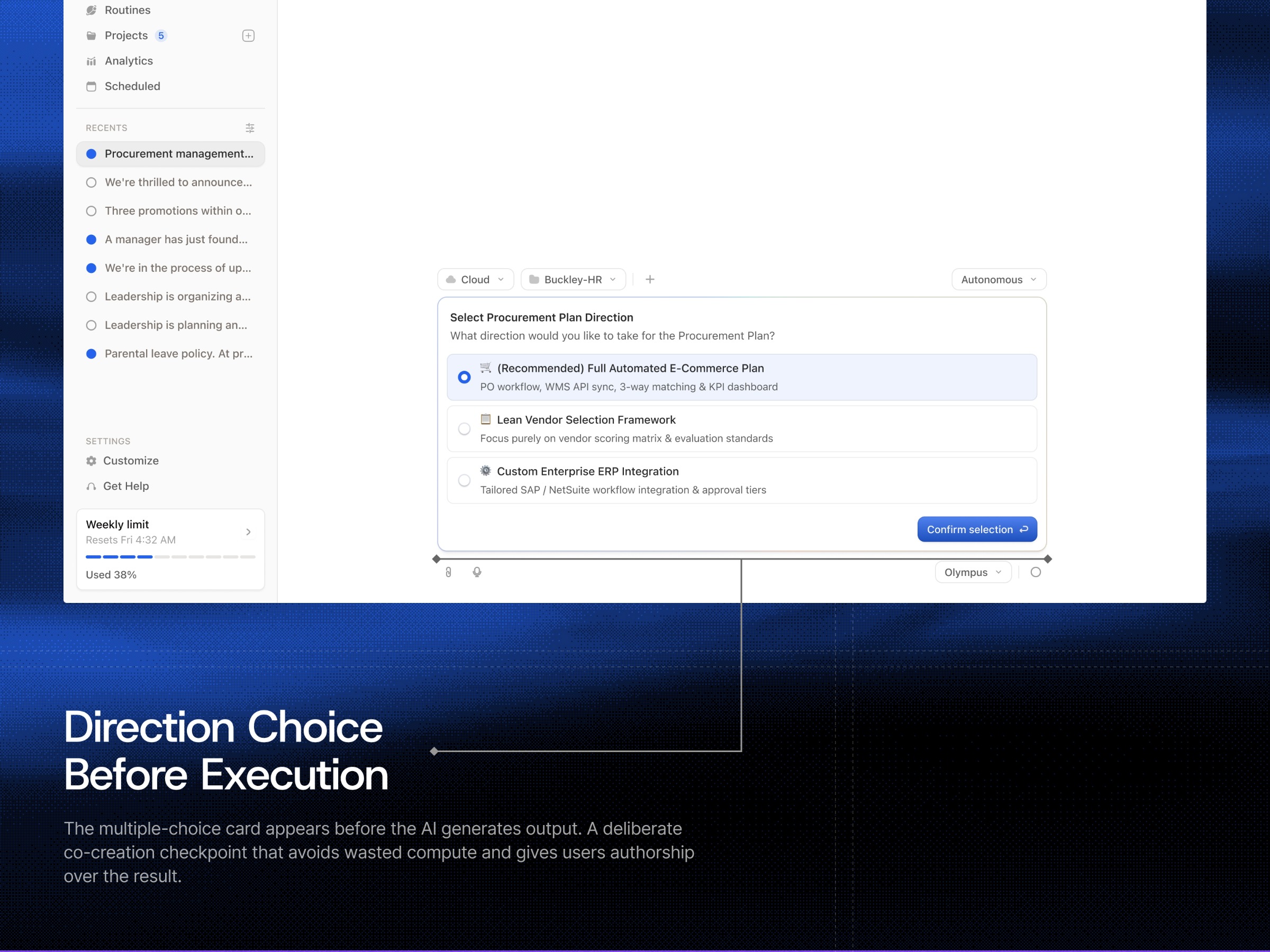
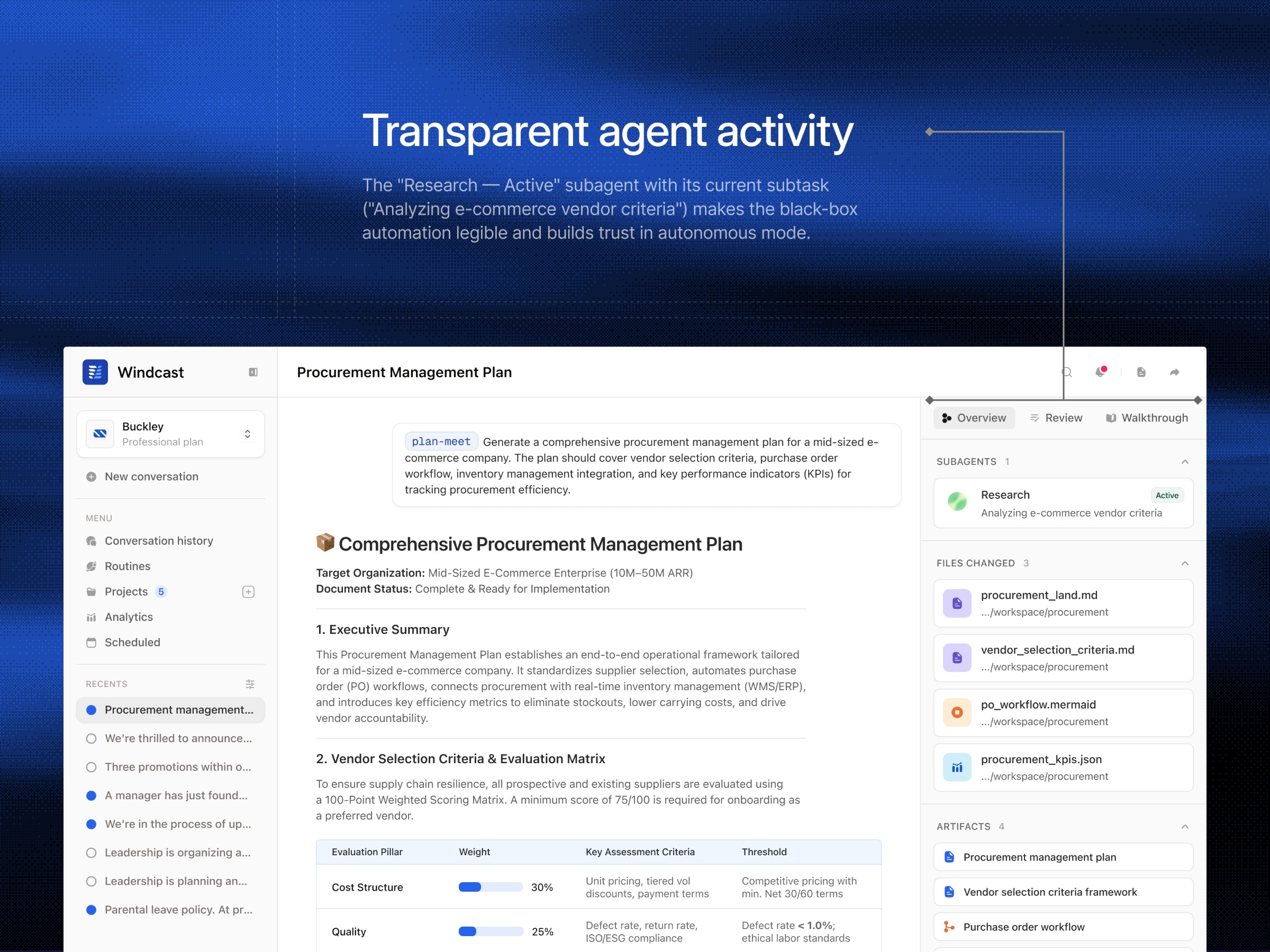
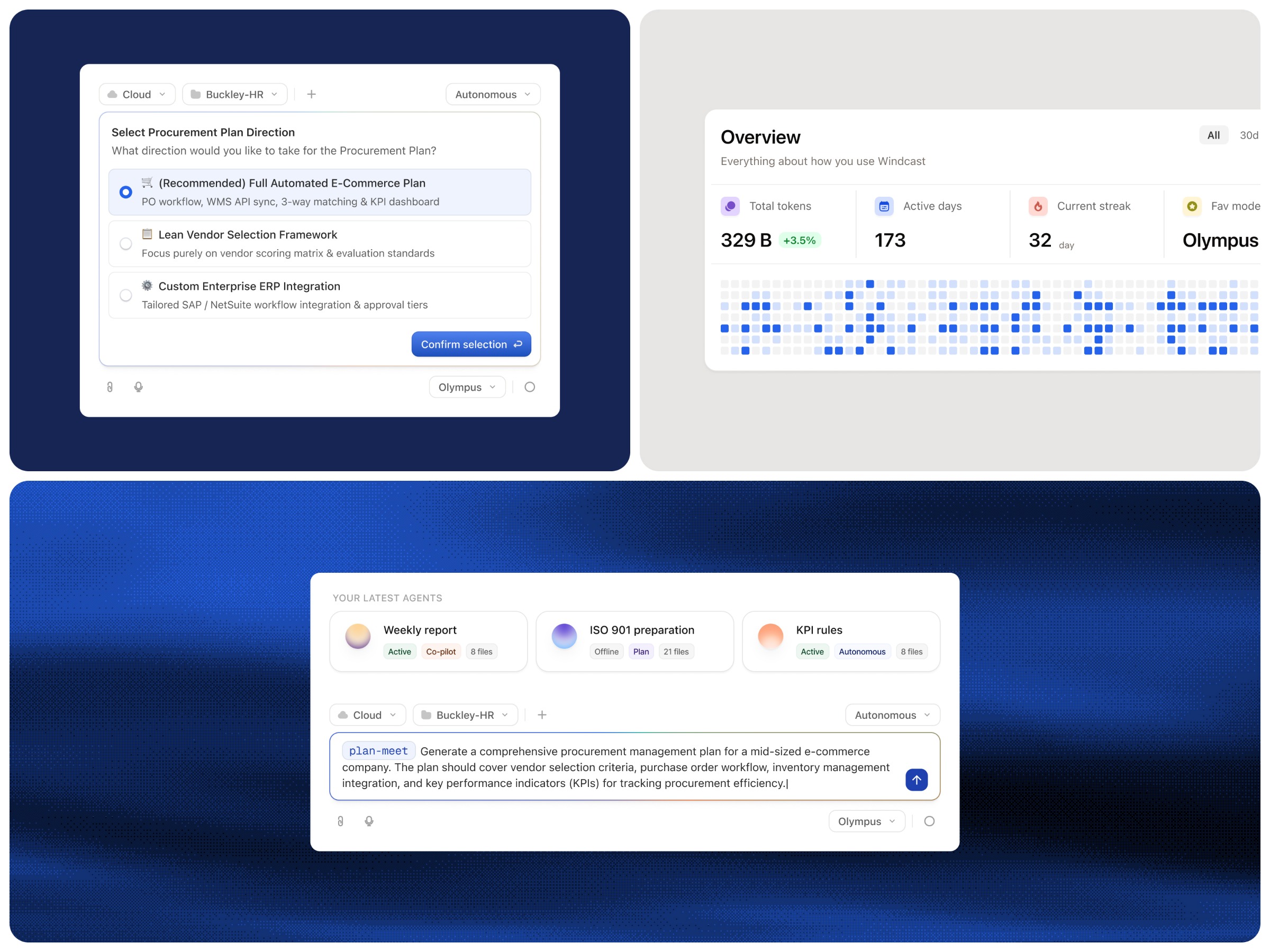
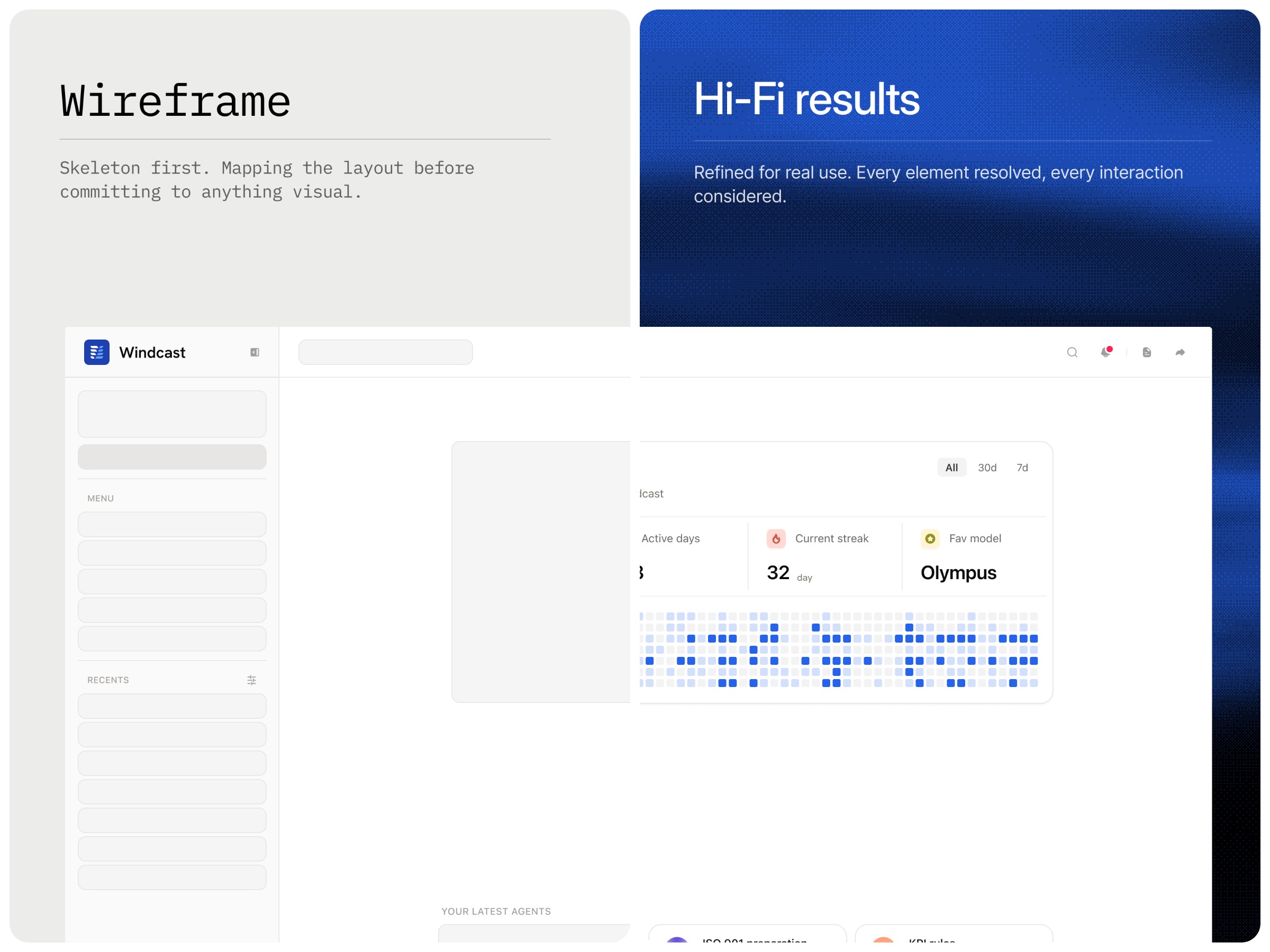
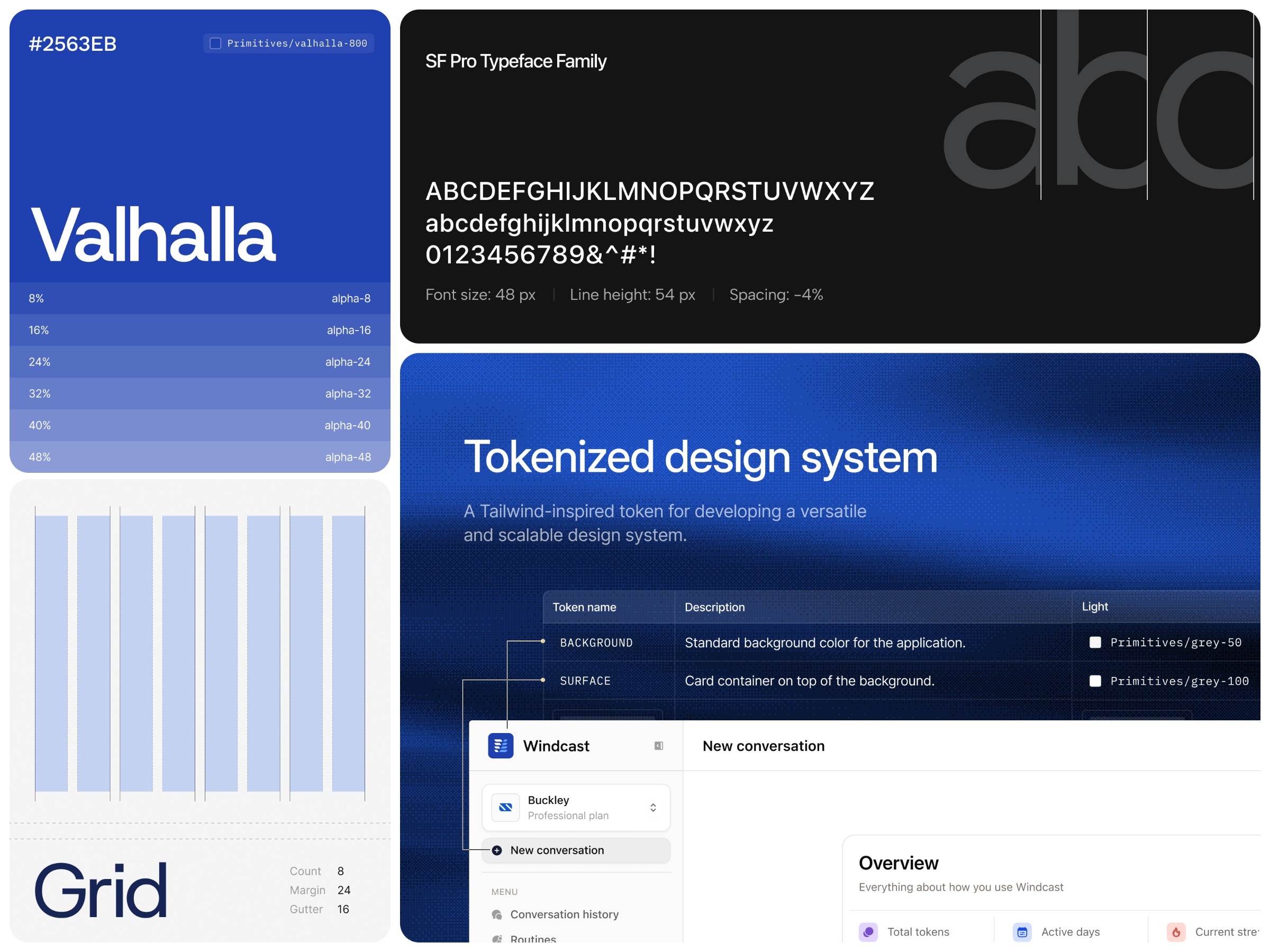
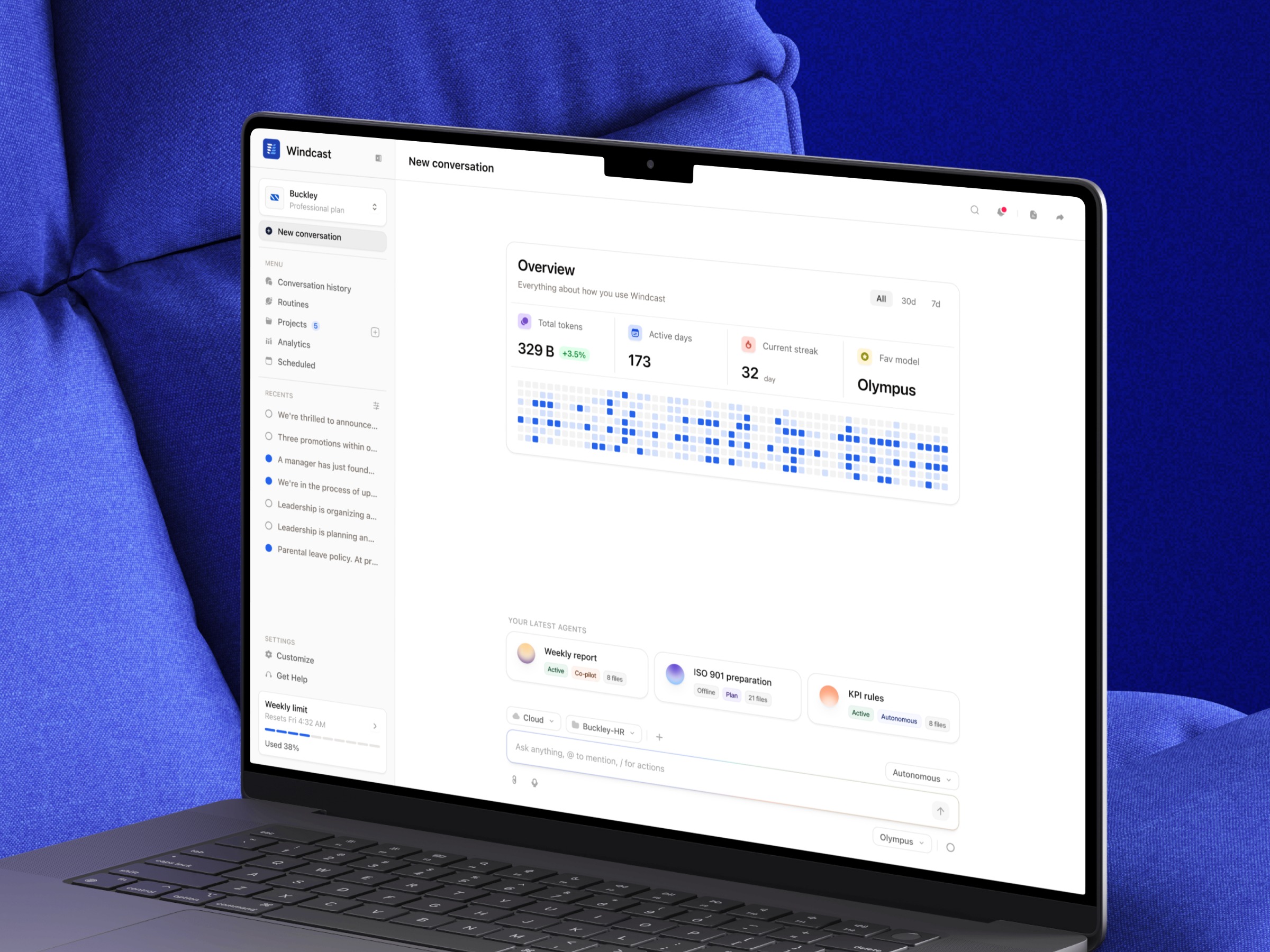
Every new conversation in Windcast begins with a snapshot of personal activity. Token usage, active days, current streaks, and a favorite model sit above an activity heatmap, giving users context before they start their next task. Recent agents and a contextual composer connect the overview to ongoing work. Users can choose a project, model, and working mode, then confirm a direction before the AI proceeds. A dedicated side panel keeps subagent activity, file changes, and generated artifacts visible alongside the conversation, while persistent navigation provides access to routines, projects, and previous chats. SF Pro typography, white surfaces, and blue accents establish a restrained visual hierarchy. Soft status labels distinguish agent modes without competing with the content. The motion walkthrough follows a procurement request from the overview into active processing, showing how the workspace makes room for both conversation and task progress.