

AI Automation App Design Productivity Dashboard & Workflow Manag
Project description
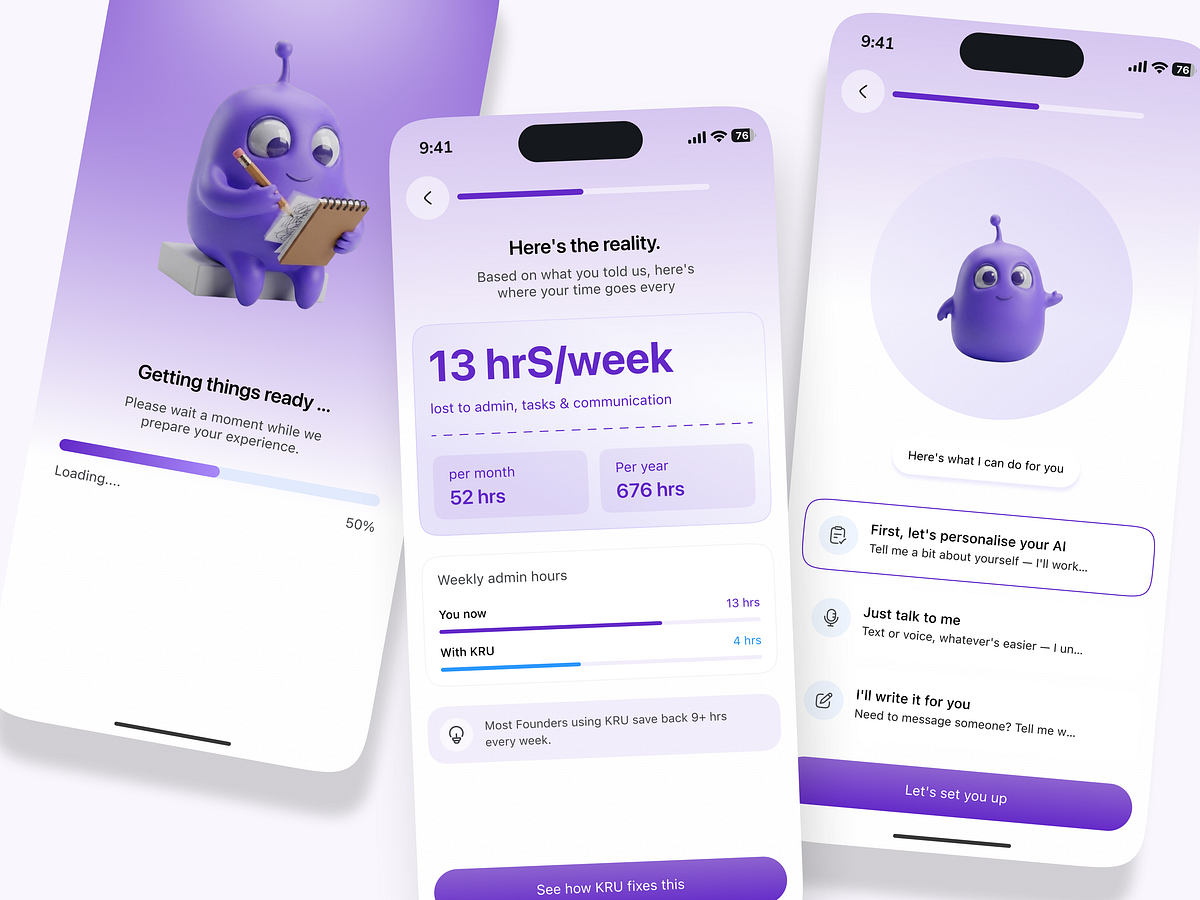
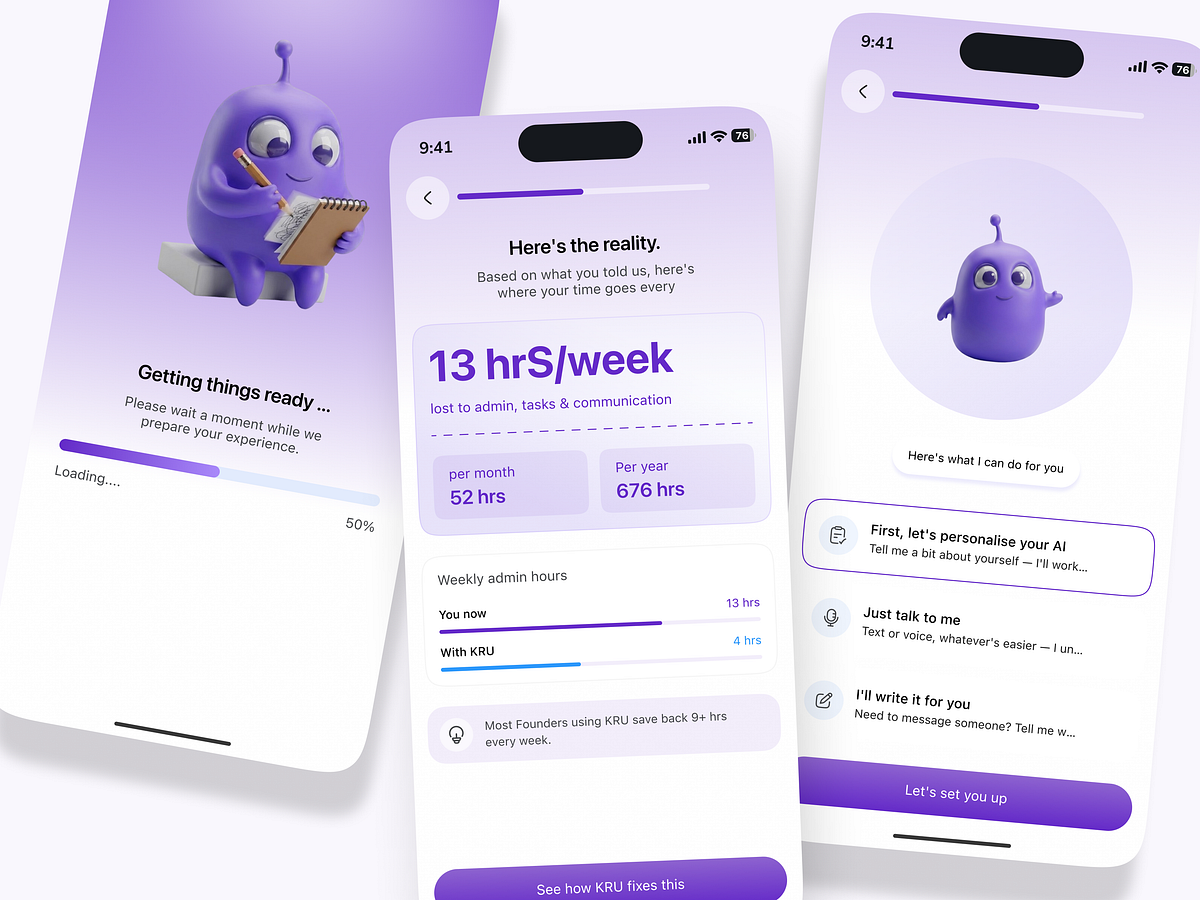
Hey Everyone! 👋 AI automation is transforming how founders, startups, and growing businesses manage daily operations. From reducing repetitive administrative tasks to streamlining communication and improving time management, an intelligent AI productivity app can help teams focus on what truly matters. This AI Automation App UI/UX Design explores a modern mobile experience that combines an AI personal assistant, workflow management, productivity insights, and time-saving recommendations in one intuitive interface. The concept focuses on helping users understand where their time goes, identify repetitive tasks, and discover opportunities to automate everyday workflows. With a clean interface, a friendly AI assistant, clear progress indicators, and actionable productivity analytics, the experience makes complex automation feel simple and approachable. Client Pain Points Time-consuming administrative work: Founders spend valuable hours on repetitive tasks, emails, scheduling, and daily operations. Disconnected workflows: Managing multiple tools and business processes makes it difficult to maintain a consistent workflow. Limited productivity insights: Users often struggle to understand where their time goes and which activities reduce efficiency. Complex AI experiences: Many automation tools feel overwhelming because of complicated dashboards and technical setup processes. Low adoption and engagement: Without a simple onboarding experience and clear value proposition, users may struggle to understand how AI can improve their daily routines. Business Task to Solve The primary business goal is to design an intuitive AI productivity and workflow automation app that helps founders save time, simplify operations, and adopt AI-powered assistance with minimal friction. The design aims to: Simplify onboarding: Guide users through a personalized setup that identifies their needs and introduces relevant AI capabilities. Visualize time savings: Present productivity analytics that show time spent on administrative work and potential opportunities for improvement. Make AI accessible: Offer clear entry points for personalizing an AI assistant, communicating through text or voice, and generating messages. Encourage automation adoption: Help users understand how intelligent workflows can reduce repetitive work and improve efficiency. Build trust through clarity: Use transparent metrics, simple navigation, and actionable insights to communicate the value of AI automation. Support business growth: Create a scalable UX foundation for future features such as task automation, workflow integrations, team collaboration, and performance tracking. Design Approach The interface combines a modern visual system, a friendly AI character, soft gradients, clear typography, and intuitive dashboard components to create a more human-centered automation experience. The goal is to turn AI from a complex technology into a practical everyday assistant—helping founders work smarter, manage time effectively, and focus on growing their businesses. Building an AI productivity SaaS, workflow automation platform, or intelligent business assistant? Thoughtful UI/UX design can help translate your product vision into a user-friendly experience that communicates value from the first interaction.
Support this project
Habibur voted for this project