

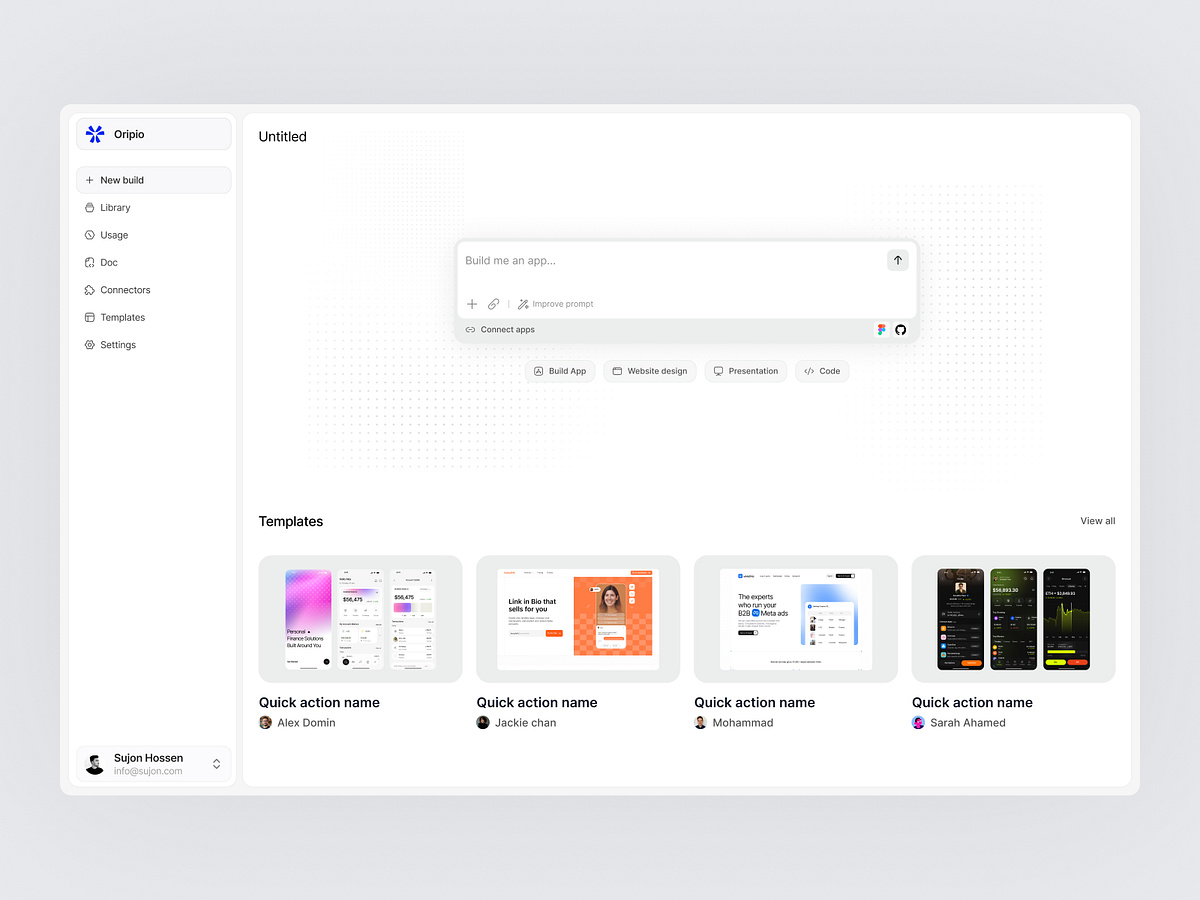
Oripio - AI App Builder Dashboard
Project description
Is your AI builder losing users at the one screen that decides everything, the empty prompt box? Most builders open with a blinking cursor and nothing else. New users do not know how much to write, what the tool can actually make, or what good output looks like. They type one vague line,get something generic, and close the tab. That blank box costs first builds. Lost first builds cost paid accounts. That is where this design changes everything. (Concept dashboard for Oripio AI Builder) It bridges intent and output in one calm workspace with: → Prompt box front and centre with attach, improve prompt and app connections in reach → Quick action chips setting the output type before a word is typed: app, website, presentation or code → Connect apps row wiring design and code tools straight into the build → Templates gallery showing finished work with the maker credited underneath → Sidebar splitting new builds, library, docs and connectors so nothing gets buried → Usage sitting in the main navigation so limits never surprise anyone mid build