

Tutorly — Course Dashboard & Inner Page UI UX
Project description
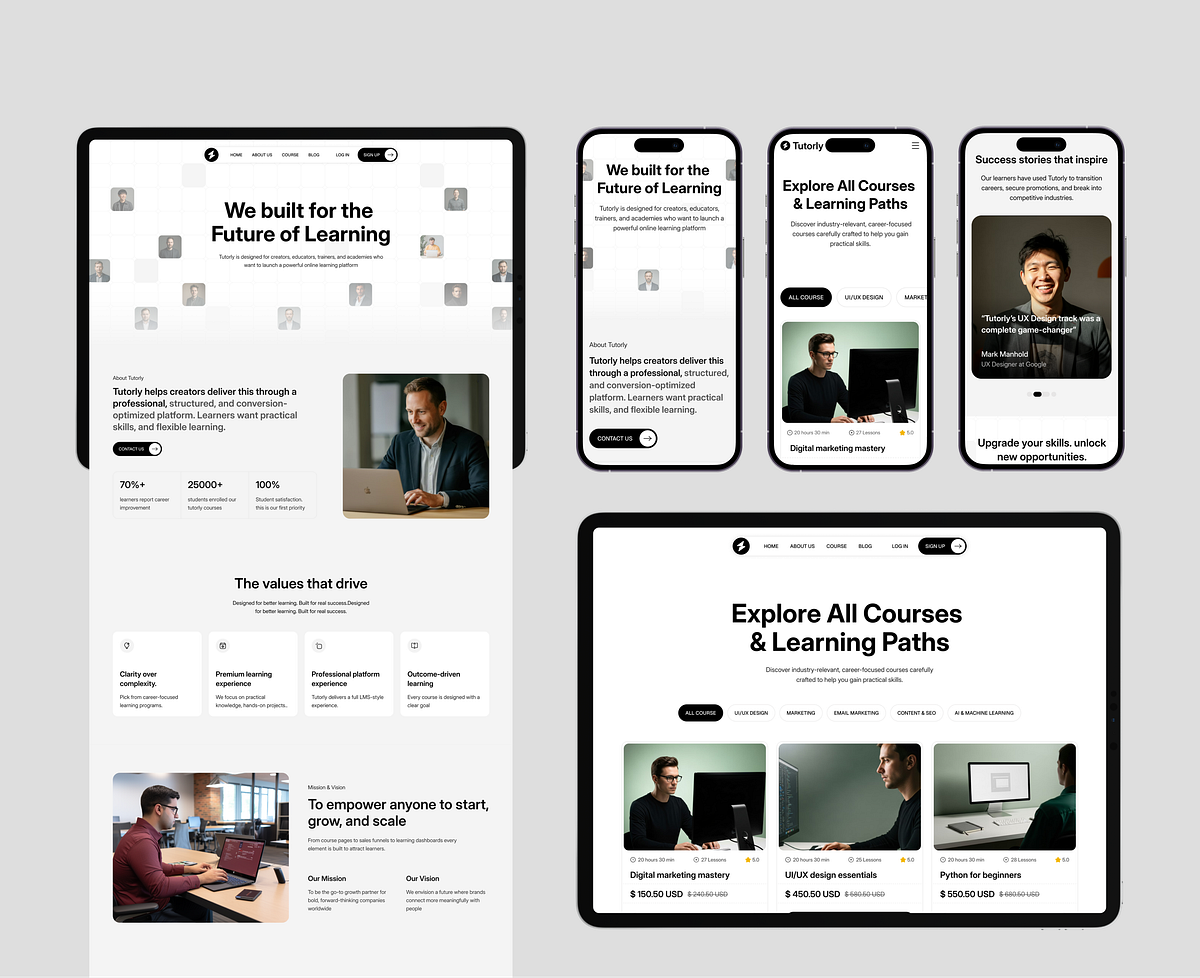
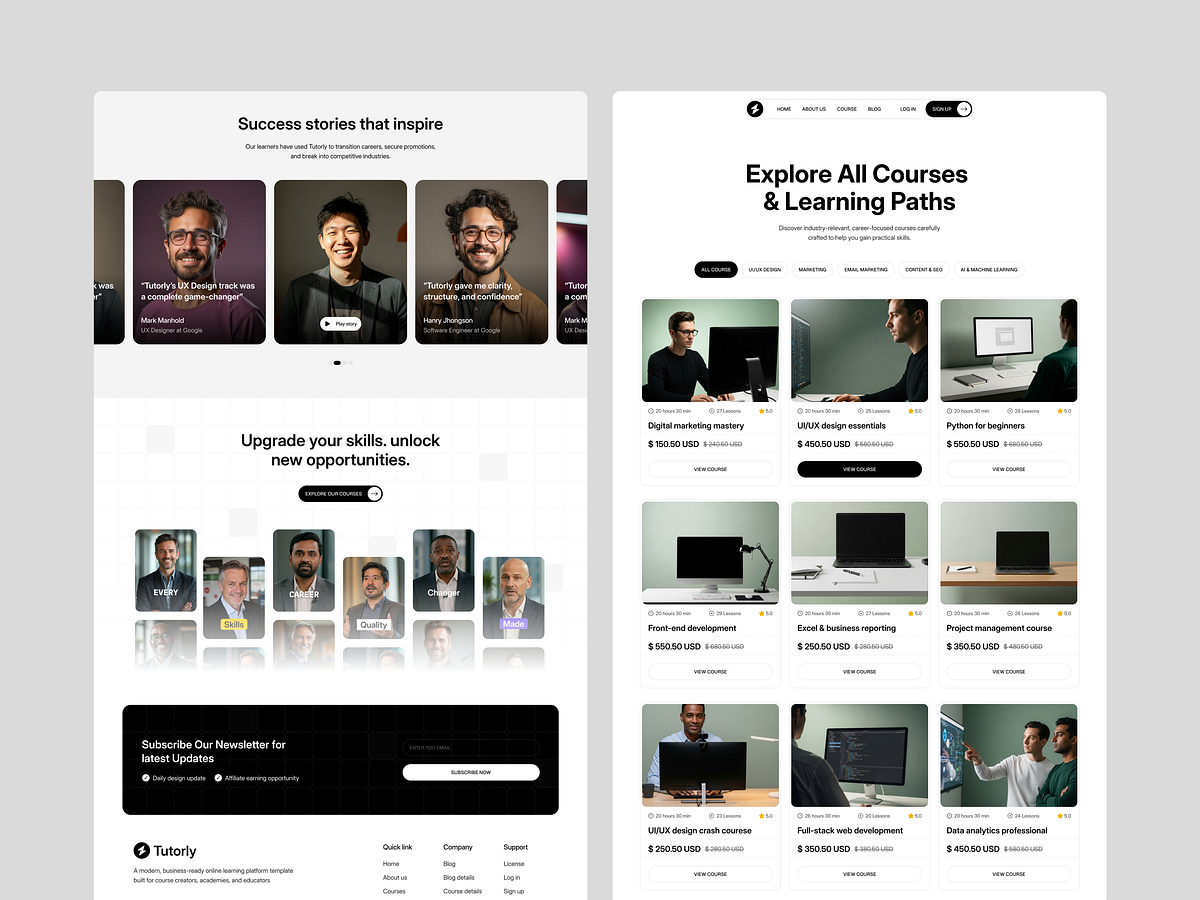
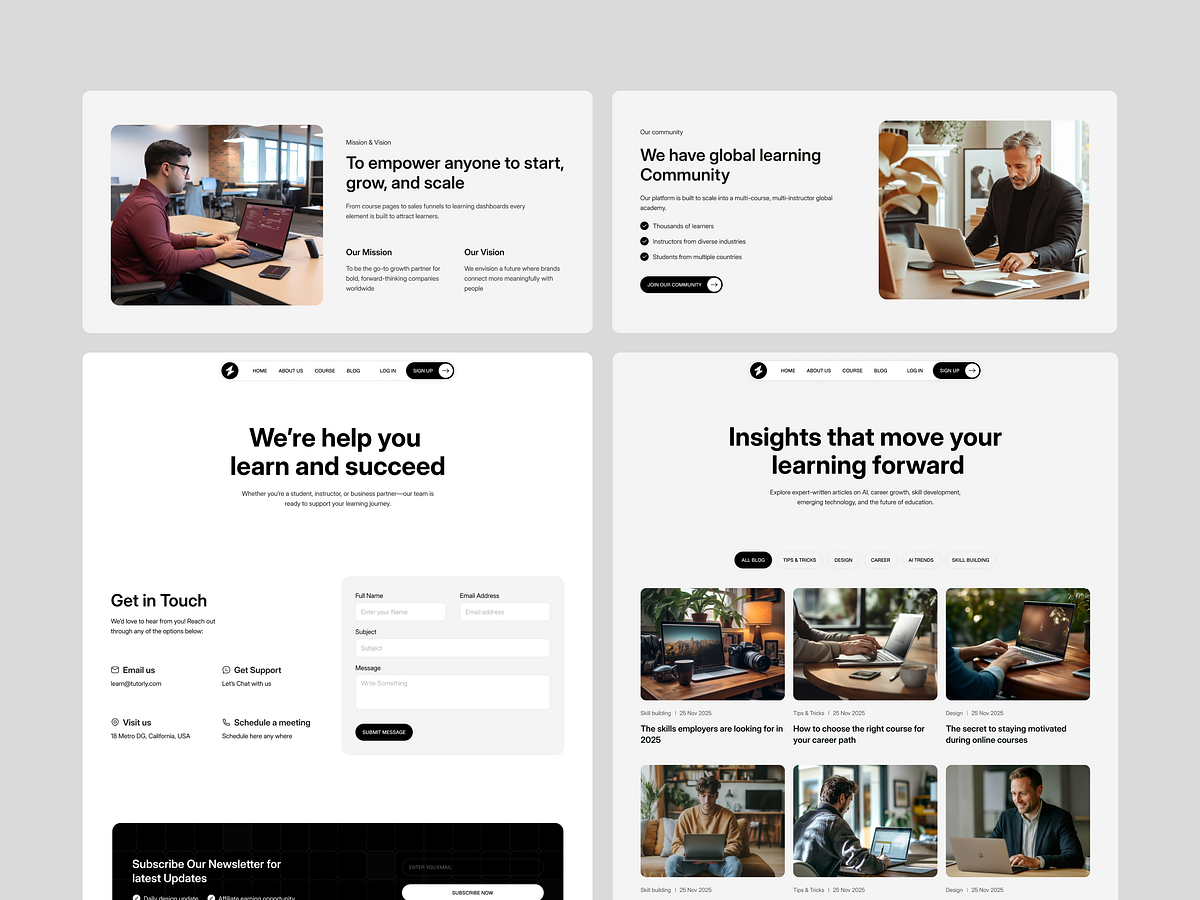
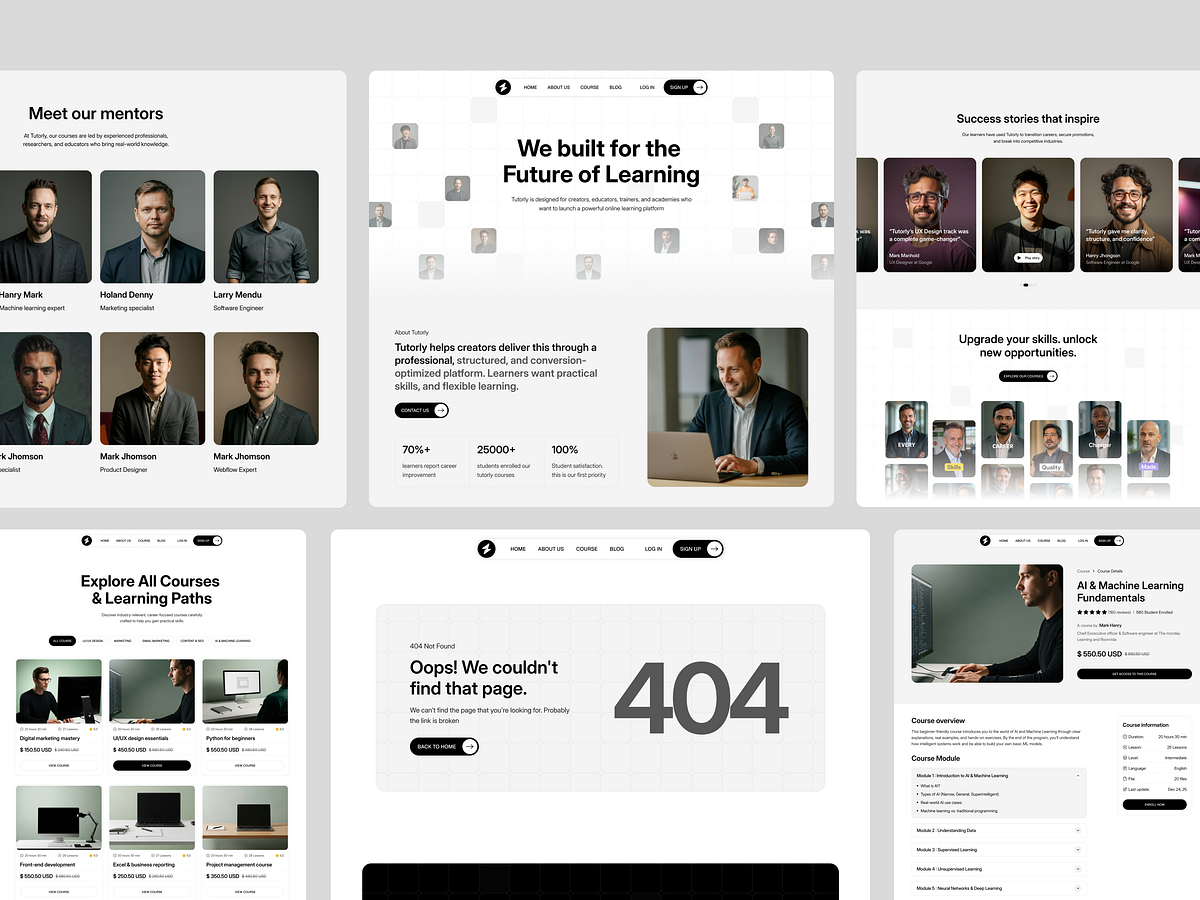
Beyond the homepage, a true educational platform lives or dies by its internal user experience. For Tutorly, we didn't just design landing pages; we architected a complete learning ecosystem. The Problem: Many e-learning templates focus heavily on marketing pages but neglect the actual course experience. This leads to high bounce rates once a student actually enrolls, as the internal UI often feels clunky or disconnected from the brand. The Insight: The transition from "Prospective Student" (Marketing Site) to "Active Learner" (Course Pages) needs to be seamless. The UI must strip away distractions while maintaining the visual language established on the homepage. The Solution: We designed a comprehensive suite of inner pages, including: Course Detail View: A conversion-focused layout that balances curriculum data with persuasive copy. Instructor Profiles: Building trust through clean, bio-centric layouts. Blog & CMS: Optimized for readability and SEO, ensuring content marketing is beautiful. Contact & Utility: Functional, clear, and consistent. Every page is built to work together, ensuring a cohesive journey from the first click to the final certification. Explore the full system on grabui webflow marketplace.

Support this project

WhiteFrame and Grabui voted for this project